
A smartphone that moves, tracks and responds in real time—but is it real utility or just a marketing gimmick?
Updated
May 1, 2026 2:25 PM

HONOR Robot Phone, with its camera arm extended. PHOTO: HONOR
Smartphones today feel more familiar than new. Each year brings better performance and better cameras, but fewer real surprises. So when a company unveils something called a “Robot Phone”, it’s bound to get attention.
HONOR did exactly that at the Mobile World Congress (MWC) in Barcelona this year. While most smartphone brands are focused on software upgrades, HONOR is trying something different with hardware. Its Robot Phone is built to move and adjust on its own. The camera sits on a motorized system that can tilt, track motion and shift angles automatically. It almost looks like a small robotic head, following whatever is happening in front of it. It can pick up sound, recognize motion and stay visually aware of its surroundings. This result feels less like using a regular phone and more like interacting with something responsive.
So what makes HONOR’s Robot Phone different from the smartphones we already use? Here’s a closer look at its camera system, AI features and design, and whether it is truly something new or simply smart marketing.
At its core, the Robot Phone still works like a regular smartphone. What makes it different is the camera system. It has a 200MP camera that sits on a motorized arm with a three-axis gimbal, which extends when in use and folds back into the phone when not needed. The compact motor gives the camera physical movement, while motion control allows it to sense, track and follow a person or object in real time. That means it can keep a subject in frame without constant manual adjustment.
The camera also adds a more playful side to the experience. It can respond with simple gestures, such as nodding or shaking its head, and it can even move in sync with music.
This setup could be particularly useful for content creators. As CNET tech journalist and YouTuber Andrew Lanxon pointed out, it removes the need to carry a separate gimbal. Since the robotic camera module can easily fold into the body of the phone, it is easier to carry around and more convenient for filming or taking photos on the go.
The Robot Phone also has the practical advantage of a smartphone display. It gives users a bigger screen than a standalone camera for framing, monitoring and reviewing footage. Since it runs on Android, the process of recording, editing and sharing content is also more direct.
The most impressive part of the HONOR Robot Phone design is how it fits a moving camera system into the body of a smartphone without needing external attachments.
To make this possible, HONOR uses a custom micro motor that is 70% smaller than mainstream competitors. The company also says it is the industry’s smallest four-degrees-of-freedom (4DoF) gimbal system. To support the stable movement of the camera module, the internal structure uses high-strength materials such as steel and titanium alloy. These materials help the mechanism stay durable as it shifts and repositions over time.
Battery life is another obvious question. HONOR has not revealed the battery capacity of the Robot Phone itself, but it did showcase its Silicon-Carbon Blade Battery technology at MWC 2026. The company says this battery is designed to increase energy density while keeping devices slim, and that it could support capacities of 7,000 mAh and beyond in future foldable devices.
That is not specific to the Robot Phone, but it does hint at the kind of battery improvements that may be needed for smartphones with moving parts and more advanced camera systems.
The AI features in Honor’s Robot Phone are focused on how the device sees and responds to its surroundings in real time. At the most basic level, the phone can track what is happening in a scene and adjust itself without constant user input.
On the functional side, the system keeps subjects framed and in focus automatically. Its AI Object Tracking ensures subjects stay centred, while AI SpinShot enables controlled 90° and 180° rotations for smoother transitions, even when the phone is used one-handed. It can also detect motion and recognize sound, which lets it respond to activity as it happens instead of reacting frame by frame.
The AI becomes more noticeable in the way the device behaves. When activated, the camera module unfolds and the screen displays a pair of animated eyes that track the user’s face and gaze. Honor calls this “embodied AI”, meaning the assistant expresses itself through movement rather than only voice or text. The camera module can adjust its angle during video calls, which makes it feel a little more physically present.
According to Thomas Bai, AI product expert at Honor, the goal is to move beyond passive assistance. By combining sensing, movement and real-time processing, the device is designed to interact with its environment in a more continuous way. In practice, that could mean interpreting its surroundings and responding as situations change, such as when someone is moving through an unfamiliar space.
The Robot Phone has sparked curiosity, but there is still a lot we do not know. For one thing, it is still a prototype, with a release expected later this year. Early signs also suggest it may be expensive, partly because of rising memory chip costs. Some of its more playful features also feel uncertain. In demos, the phone can move along to music, but with only a handful of pre-set tracks, it is hard to tell whether that feature will be genuinely useful or remain more of a showcase moment.
Then there are the practical questions. A motorized camera system could make the phone heavier and more top-heavy, which may affect comfort during daily use. Running a motor alongside continuous AI tracking will also likely put pressure on battery life. These are not dealbreakers, but they are trade-offs that will matter outside of a demo.
Privacy is another concern that is hard to overlook. Some of the AI features rely on cloud processing, which means certain data is sent to external servers instead of being processed fully on the device. That is common in many AI systems today, but it feels more significant here because the phone is built to actively track movement and reposition its camera in real time. For some people, that level of autonomy may feel intrusive rather than helpful. It also raises bigger questions about what sensors are built into the device and how much data they collect during everyday use.
So, is the HONOR Robot Phone a real step forward, or just a clever idea packaged well?
The answer depends on who it is for.
For content creators, the appeal is obvious. Early indications suggest it could make video capture easier by reducing the need for extra gear. Honor’s collaboration with cinema camera company ARRI also suggests a serious push toward more cinematic smartphone footage.
For everyone else, the value is less clear. Outside of content creation, it is still hard to see how these features would translate into everyday use in a meaningful way.
For now, the Robot Phone sits somewhere between promise and experiment. Whether it turns into a genuinely useful new kind of smartphone or fades away as a novelty will only become clear once it moves beyond controlled demos and into real life.
Keep Reading
Bindwell is testing a simple idea: use AI to design smarter, more targeted pesticides built for today’s farming challenges.
Updated
January 8, 2026 6:33 PM
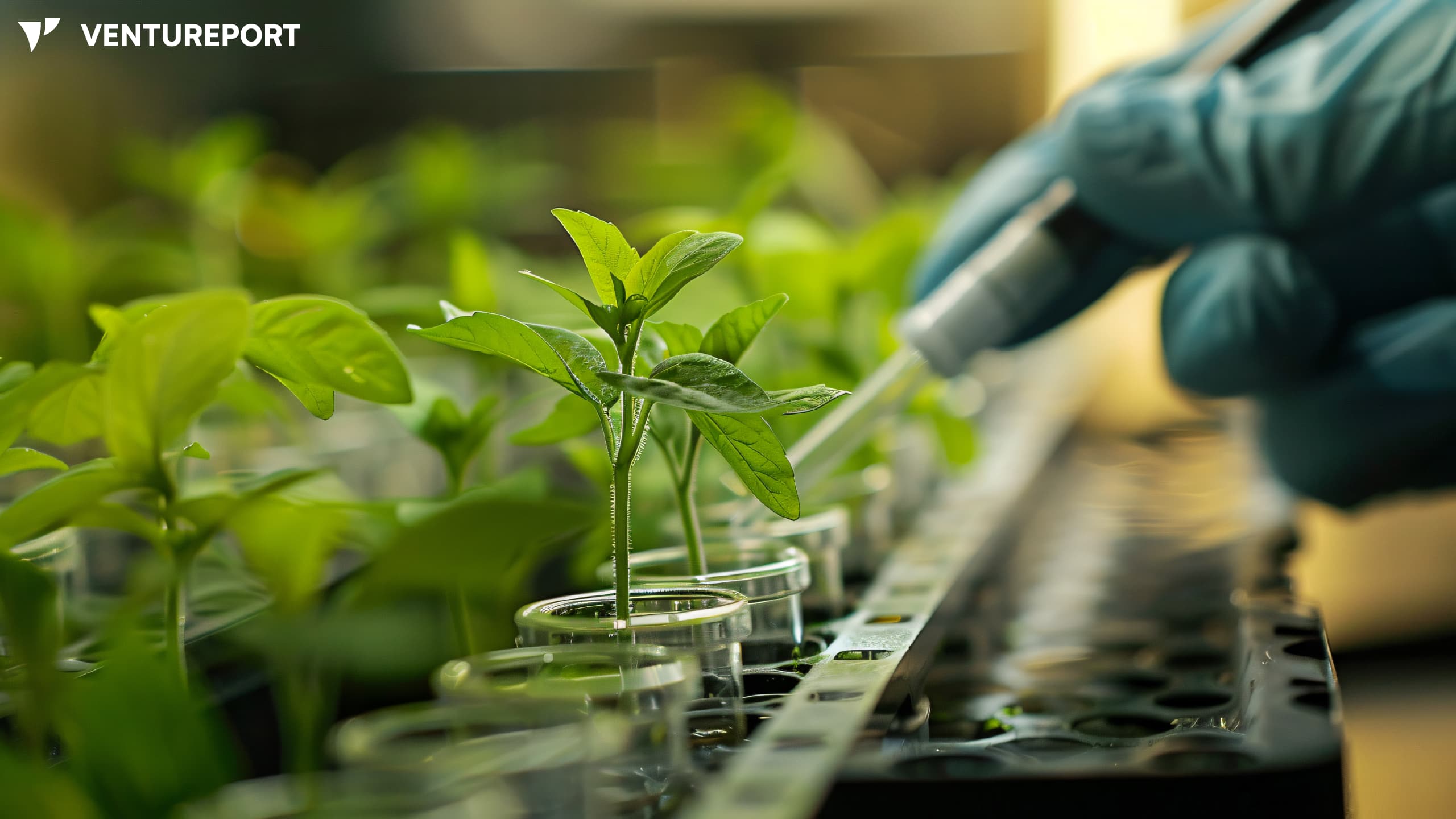
Researcher tending seedlings in a laboratory environment. PHOTO: FREEPIK
Bindwell, a San Francisco–based ag-tech startup using AI to design new pesticide molecules, has raised US$6 million in seed funding, co-led by General Catalyst and A Capital, with participation from SV Angel and Y Combinator founder Paul Graham. The round will help the company expand its lab in San Carlos, hire more technical talent and advance its first pesticide candidates toward validation.
Even as pesticide use has doubled over the last 30 years, farmers still lose up to 40% of global crops to pests and disease. The core issue is resistance: pests are adapting faster than the industry can update its tools. As a result, farmers often rely on larger amounts of the same outdated chemicals, even as they deliver diminishing returns.
Meanwhile, innovation in the agrochemical sector has slowed, leaving the industry struggling to keep up with rapidly evolving pests. This is the gap Bindwell is targeting. Instead of updating old chemicals, the company uses AI to find completely new compounds designed for today’s pests and farming conditions.
This vision is made even more striking by the people leading it. Bindwell was founded by 18-year-old Tyler Rose and 19-year-old Navvye Anand, who met at the Wolfram Summer Research Program in 2023. Both had deep ties to agriculture — Rose in China and Anand in India — witnessing up close how pest outbreaks and chemical dependence burdened farmers.
Filling the gap in today’s pesticide pipeline, Bindwell created an AI system that can design and evaluate new molecules long before they hit the lab. It starts with Foldwell, the company’s protein-structure model, which helps map the shapes of pest proteins so scientists know where a molecule should bind. Then comes PLAPT, which can scan through every known synthesized compound in just a few hours to see which ones might actually work. For biopesticides, they use APPT, a model tuned to spot protein-to-protein interactions and shown to outperform existing tools on industry benchmarks.
Bindwell isn’t selling AI tools. Instead, the company develops the molecules itself and licenses them to major agrochemical players. Owning the full discovery process lets the team bake in safety, selectivity and environmental considerations from day one. It also allows Bindwell to plug directly into the pipelines that produce commercial pesticides — just with a fundamentally different engine powering the science.
At present, the team is now testing its first AI-generated candidates in its San Carlos lab and is in early talks with established pesticide manufacturers about potential licensing deals. For Rose and Anand, the long-term vision is simple: create pest control that works without repeating the mistakes of the last half-century. As they put it, the goal is not to escalate chemical use but to design molecules that are more precise, less harmful and resilient against resistance from the start.